My experience with hyprland
I used KDE Plasma for a long time before finally switching to hyprland, honestly i thought hyprland was just a fun thing to look into and customize, not actually a DE/WM worth using for real tasks, but later i found out that i was wrong, wouldnt have known without actually trying it.
See, hyprland is portrayed by online content covering it as a WM that makes using your PC a better experience since multiple windows get arranged automatically on the screen, but what i found out to be the beauty of it is the fact that you start from scratch, and that allows you to make it really yours, and learn it one piece at the time.
The problem with ready to use tiling WM setups for me is that its hard to start using hundreds of shortcuts and features that were packaged by another person, and this leads you to fall back to old habits, while when you start on a clean install on the other hand, you have to setup everything yourself, and if you take your time to do everything slowly, it finally has the potential to change the way to use a computer that you learned back when you were a kid fucking around on windows 95.
Back to when i installed hyprland for the first time, im not
gonna lie, i did it to spend a weekend making it look cool as
fast as possible, and obviously that lead to me having no
understanding at all on what i did and forgetting half of the
things i set up, but what changed my perspective was finding one
of the very few youtubers that covered linux in a healthy way,
which is
Bread on penguins. She was using DWM and stated
that she liked it because it was very barebone and thus possible
to understand for a non software developer, and she had a very
simple, not fancy setup.
Now, obviously i didnt fully embrace her philosophy because i still ended up on hyprland which is something i dont really comprehend in the way it works, but i embraced it in trying to make my setup on it simple enough so i could have at least a decent amount of control and understanding on it, and that lead me to finally being able to create shortcuts, scripts and install packages that i really use on a daily basis and remove friction from using my PC.
What my setup looks like now:
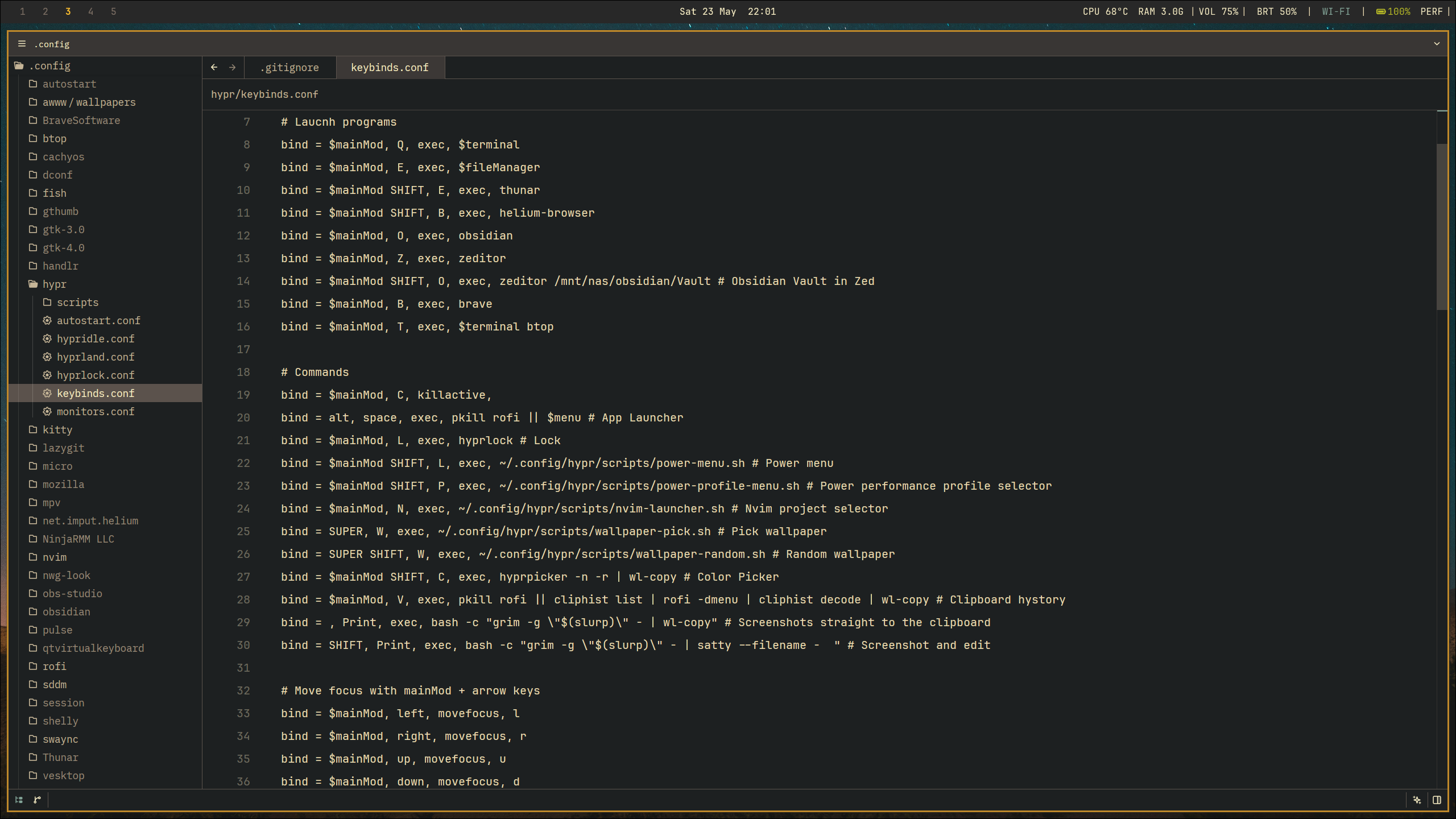
I have a very simple but useful status bar (waybar) and a decent amount of shortcuts, i dont use split view very often aside from when i need to open the file explorer or the terminal for a quick operation, to use multiple softwares at once i prefer switching workspaces and keeping my notes on a special workspace.
I version control my whole setup with git on my self hosted forgejo instance so i can replicate it kinda fast.